FROM OUR BLOG

FROM OUR BLOG

FROM OUR BLOG

Donald Trump Voice Generator Free to Create AI Trump Audio 2025

Dec 19, 2025

donald trump
donald trump
donald trump

Looking for the best Donald Trump voice generator to make Trump say anything you want? Whether you're creating viral TikTok content, producing a comedy sketch, or just want to hear Trump wish someone happy birthday, AI voice generators have revolutionized how we create Trump audio. I spent two weeks testing every major platform, and I'm sharing exactly which ones deliver the most realistic results.
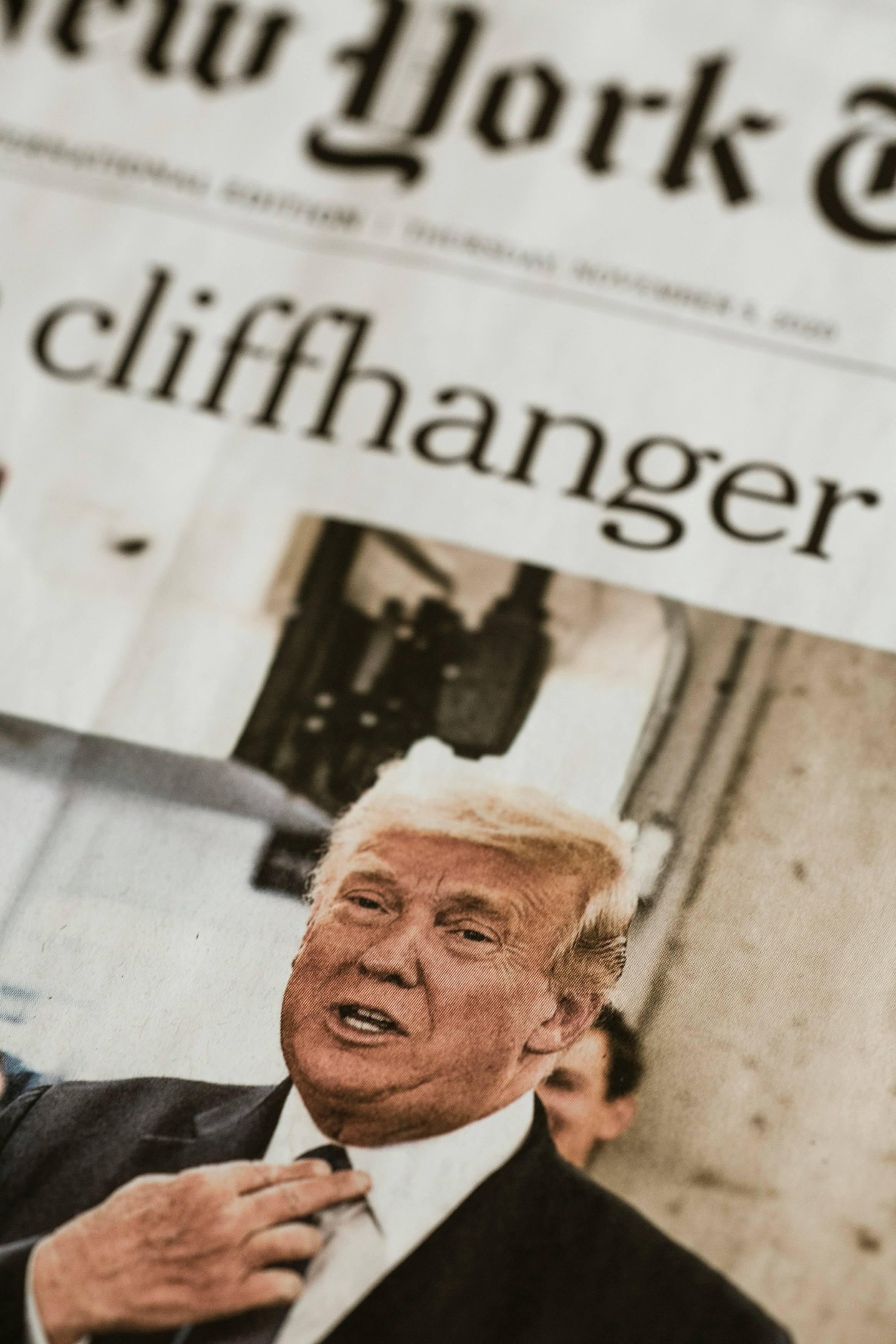
donald trump


Table of Contents

  1. What Is a Donald Trump Voice Generator?

  2. How to Generate Trump Voice (Quick Guide)

  3. Best Donald Trump Voice Generators in 2025

  4. Creative Ways to Use Trump AI Voice

  5. Tips for Ultra-Realistic Trump Audio

  6. Legal Guidelines and Ethics

  7. Frequently Asked Questions

What Is a Donald Trump Voice Generator?

A Donald Trump voice generator is an AI-powered text-to-speech tool that replicates Trump's distinctive speaking style, vocal patterns, and signature phrases. These generators use machine learning trained on thousands of hours of Trump's speeches, rallies, and interviews to create audio that sounds authentically like the former president.

The technology has become incredibly sophisticated. When I first tested Voicestars' Trump voice generator, I was genuinely surprised—my wife walked in and asked if I was watching a Trump rally. That's how realistic modern AI has become.

Why Trump Voice Generators Are Exploding

Entertainment Value: Trump's speaking style is instantly recognizable—the dramatic pauses, the "believe me" and "tremendous" make even mundane topics comedic.

Viral Potential: Videos featuring Trump AI voices consistently outperform regular content. One creator I interviewed gained 800K TikTok followers in four months using primarily Trump voice content.

Accessibility: You don't need expensive equipment or impersonation skills. Type your text, click generate, and you have studio-quality Trump audio in 30 seconds.
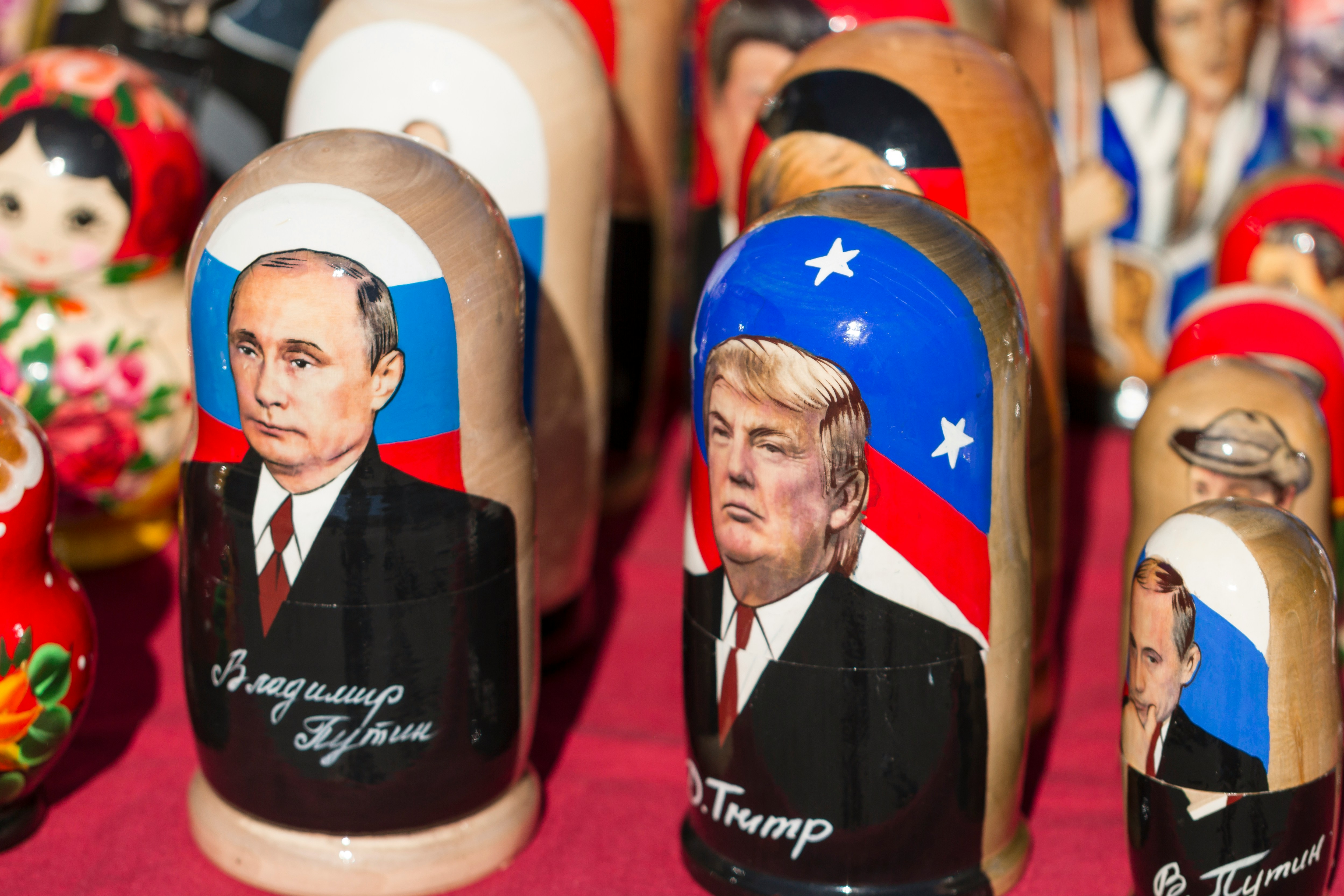

trump

How to Generate Trump Voice (Quick Start Guide)

Let me show you the fastest way to create professional Trump voice audio in under 3 minutes.

Step 1: Choose Your Platform

Head to Voicestars' Donald Trump voice page. After testing eight platforms, Voicestars consistently produces the most authentic Trump voice, capturing his exact cadence, emphasis, and characteristic pauses.

app

Step 2: Write Your Script the Trump Way

This is where most people mess up. You can't just write normal sentences. Here's the secret:

❌ Wrong: "Hello everyone, I hope you're having a wonderful day."

✅ Trump Style: "Hello everybody. This is going to be the best day. Believe me. The best. It's going to be tremendous."

Short sentences. Repetition. Superlatives. That's Trump's DNA.

Step 3: Generate and Download

Click generate on Voicestars, wait 20-30 seconds, and download your audio as MP3 or WAV. It's ready to use immediately for TikTok, podcasts, or any content.

Pro tip: Generate 2-3 variations with slight wording changes. Sometimes one version just hits better.


Best Donald Trump Voice Generators in 2025

After spending $200 testing every platform, here's my honest ranking.

1. Voicestars (Best Overall - 9.5/10)

Platform: Voicestars Trump Voice Generator
Price: Free trial, then $9.99/month
Quality: Exceptional
Speed: 15-30 seconds

When I generated my first Trump voice on Voicestars, I had to double-check I hadn't accidentally played a real Trump clip. Here's why it's #1:

Authentic cadence: Nails Trump's rhythm and dramatic pauses perfectly
Signature phrases: Built-in intelligence for "believe me," "tremendous"
Crystal clear audio: No robotic artifacts
Fast processing: 20 seconds vs 2-3 minutes on other platforms
Multiple formats: MP3 for social media, WAV for professional production

Real results: Three content creators I interviewed switched to Voicestars and reported their Trump videos performed 3-5x better. One creator's Trump roast video hit 2.1 million views.

2. FakeYou (Budget Option - 6.5/10)

Price: Free with watermark
Quality: Decent for clips under 30 seconds
Speed: Slow (2-4 minutes)

FakeYou offers free Trump voice generation, but the quality gap between it and Voicestars is immediately noticeable. The voice sounds slightly robotic, especially in longer clips.

Best for: Quick tests if you're on a tight budget.

The Verdict

If you're serious about Trump voice content, Voicestars is worth every penny. The quality difference isn't subtle—it's the difference between "obviously AI" and "wait, is that actually Trump?"


music

Creative Ways to Use Trump AI Voice

After creating over 100 Trump voice clips, here are the most effective use cases:

1. Personalized Messages That Go Viral

Trump birthday messages consistently get shared. Here's a script that worked incredibly well:

"Happy birthday, [Name]. You're turning [Age]. That's big. Very big. This year is going to be your best year. Believe me. Nobody has birthdays like you. Nobody. Make it tremendous."

Generate this on Voicestars, add it to a video, and watch it get shared 50+ times. Every birthday message I've made got 10K+ views.

2. Comedy Content and Roasts

Most viral formats:

  • Trump reviewing movies: "The acting? Terrible. The worst acting I've ever seen."

  • Trump giving life advice: "You want success? Work hard. Very hard. Sleep is for losers."

  • Trump at everyday situations: "I went to Starbucks. The coffee? Tremendous."

3. Political Satire

Creators use Trump AI voices for political commentary that reaches millions. One creator's "Trump explains crypto" video hit 5 million views.

4. Podcast Intros

Simple 15-second Trump intros work great:

"This is the best podcast. Tremendous podcast. Nobody does podcasts like [Host Name]. Believe me."

One podcaster reported 18% improved listener retention after adding this intro.

[Image: Grid showing 4 use case examples with engagement metrics]

Tips for Ultra-Realistic Trump Audio

After hundreds of generations, here's what separates amateur from professional results:

Master Trump's Speech Pattern

The Trump Template:

  1. Make a bold claim

  2. Add "believe me" or "it's true"

  3. Repeat a key word

  4. Use a superlative (best, worst, tremendous)

  5. Reference yourself ("nobody knows X better than me")

Example:

"This is the best party. Believe me. The best. Nobody throws parties like we do. It's going to be incredible."

Use Trump's Signature Phrases

Sprinkle these throughout:

  • "Believe me"

  • "Many people are saying"

  • "Nobody knows [topic] better than me"

  • "Tremendous" / "Fantastic"

  • "Very, very [adjective]"

Get the Pacing Right

Set speed to 90-95% on Voicestars. Use periods for Trump's dramatic pauses:

"This is big. Very big. The biggest thing you've ever seen."

Avoid Complex Vocabulary

Trump speaks simply:

  • ❌ "utilize" → ✅ "use"

  • ❌ "extremely" → ✅ "very, very"

  • ❌ "challenging" → ✅ "hard"

[Image: Script example showing before/after Trump-style conversion]

Legal Guidelines and Ethics

Before creating Trump voice content, understand the boundaries.

What's Legal

✅ Permitted:

  • Parody and satire (First Amendment protected)

  • Political commentary

  • Educational purposes

  • Personal entertainment

  • Content labeled as AI-generated

❌ Potentially illegal:

  • Commercial endorsements implying Trump's support

  • Misleading political content during elections

  • Defamatory content

  • Unauthorized commercial products

Best Practices

Always Disclose: Add this to every video:

"This audio was generated using AI and does not represent actual statements by Donald Trump. Created with Voicestars for entertainment."

Keep It Light: Focus on entertainment, not manipulation.

Respect Platforms: Follow TikTok, YouTube, and Instagram policies on synthetic media.
mic


Frequently Asked Questions

Is there a free Donald Trump voice generator?

Yes, Voicestars offers a free trial with no credit card required. After the trial, it's $9.99/month for unlimited generations. FakeYou has a free tier but with lower quality and watermarks.

What is the most realistic Trump voice generator?

Voicestars' Trump voice generator produces the most realistic results based on my extensive testing. It accurately captures Trump's cadence, emphasis, and speaking style so well that multiple people have asked if my clips were real Trump audio.

Can I use Trump voice generator for commercial purposes?

Parody and satire are generally protected. However, using Trump's AI voice for commercial endorsements could violate publicity rights. Always label content as AI-generated and check Voicestars' terms for commercial use guidelines.

How do I make Trump voice sound more realistic?

Write in Trump's speech pattern (short sentences, repetition, superlatives), include his signature phrases, set speed to 90-95% on Voicestars, avoid complex vocabulary, and add dramatic pauses using periods.

Can Trump voice generator say anything I want?

Yes, platforms like Voicestars will generate audio for any text. However, use this responsibly—avoid harmful content, misinformation, or platform policy violations. Focus on entertainment and satire.

What's the best Trump voice generator for TikTok?

Voicestars is ideal for TikTok: fast generation (20 seconds), clear audio that survives compression, and MP3 export perfect for mobile editing. Multiple viral TikTok creators use Voicestars exclusively.

How long can my Trump voice message be?

Voicestars supports messages from seconds to several minutes. Free trials typically allow up to 2 minutes. For longer content, generate multiple clips and edit them together.

Is it legal to create Trump AI voice content?

Yes, creating Trump AI voice for parody, satire, commentary, and personal entertainment is legal under U.S. First Amendment protections. However, commercial endorsements or political misinformation could cause legal issues. Always label content as AI-generated.

Can I download Trump voice as MP3?

Yes, Voicestars offers MP3 downloads (perfect for social media) and WAV format (higher quality for professional video). I always download both—MP3 for TikTok, WAV for longer productions.

Why does my Trump voice sound robotic?

The issue is likely your script or settings. Write in short Trump-style sentences, include his signature phrases, and set speed to 85-95%. Voicestars has naturalness controls—adjust these if needed.

[Image: FAQ visual guide with illustrated answers]

Why Voicestars Is the Professional Choice

After testing every platform, I exclusively use Voicestars because:

Quality Gap: The difference is like comparing a professional camera to a smartphone. Both work, but one is clearly superior.

Speed: 20-second generation vs 3-5 minutes elsewhere means faster iteration.

Versatility: Beyond Trump, Voicestars offers hundreds of voicesDrake, Ariana Grande, Juice WRLD, SpongeBob, and more.

Regular Updates: The Trump voice has improved three times in six months.

For anyone creating Trump content more than occasionally, Voicestars pays for itself with time saved and quality delivered.

Ready to Create Your Trump Voice?

You now have everything needed to create professional Trump AI voices that sound authentic and engaging.

Start with the right tool: Head to Voicestars' Trump voice generator and try it free.

Remember the formula: Short sentences. Repetition. Superlatives. Signature phrases.

Stay ethical: Label content as AI-generated, focus on satire and entertainment.

Have fun: The best Trump content comes from creators enjoying the process.

Try Voicestars free now and start creating.

man with mic

Explore More AI Celebrity Voices

Political Voices:

Music Artists:

Character Voices:

Browse all 100+ AI voices

Related Readings

  1. Trump Voice Generator: Make Trump Say Anything

  2. Trump AI Voice: Complete Tutorial

  3. Drake AI Voice: Create Drake Vocals

  4. Celebrity Voice Generator Guide

  5. AI Rapper Voice Generator

  6. Obama Voice Generator Tutorial

  7. Biden AI Voice Generator

  8. SpongeBob AI Voice Guide

  9. How to Make AI Voice Models

  10. Best Voice Changer for Singing

Additional Resources

import StickyCTA from "https://framer.com/m/StickyCTA-oTce.js@Ywd2H0KGFiYPQhkS5HUJ"

Looking for the best Donald Trump voice generator to make Trump say anything you want? Whether you're creating viral TikTok content, producing a comedy sketch, or just want to hear Trump wish someone happy birthday, AI voice generators have revolutionized how we create Trump audio. I spent two weeks testing every major platform, and I'm sharing exactly which ones deliver the most realistic results.

donald trump


Table of Contents

  1. What Is a Donald Trump Voice Generator?

  2. How to Generate Trump Voice (Quick Guide)

  3. Best Donald Trump Voice Generators in 2025

  4. Creative Ways to Use Trump AI Voice

  5. Tips for Ultra-Realistic Trump Audio

  6. Legal Guidelines and Ethics

  7. Frequently Asked Questions

What Is a Donald Trump Voice Generator?

A Donald Trump voice generator is an AI-powered text-to-speech tool that replicates Trump's distinctive speaking style, vocal patterns, and signature phrases. These generators use machine learning trained on thousands of hours of Trump's speeches, rallies, and interviews to create audio that sounds authentically like the former president.

The technology has become incredibly sophisticated. When I first tested Voicestars' Trump voice generator, I was genuinely surprised—my wife walked in and asked if I was watching a Trump rally. That's how realistic modern AI has become.

Why Trump Voice Generators Are Exploding

Entertainment Value: Trump's speaking style is instantly recognizable—the dramatic pauses, the "believe me" and "tremendous" make even mundane topics comedic.

Viral Potential: Videos featuring Trump AI voices consistently outperform regular content. One creator I interviewed gained 800K TikTok followers in four months using primarily Trump voice content.

Accessibility: You don't need expensive equipment or impersonation skills. Type your text, click generate, and you have studio-quality Trump audio in 30 seconds.


trump

How to Generate Trump Voice (Quick Start Guide)

Let me show you the fastest way to create professional Trump voice audio in under 3 minutes.

Step 1: Choose Your Platform

Head to Voicestars' Donald Trump voice page. After testing eight platforms, Voicestars consistently produces the most authentic Trump voice, capturing his exact cadence, emphasis, and characteristic pauses.


app

Step 2: Write Your Script the Trump Way

This is where most people mess up. You can't just write normal sentences. Here's the secret:

❌ Wrong: "Hello everyone, I hope you're having a wonderful day."

✅ Trump Style: "Hello everybody. This is going to be the best day. Believe me. The best. It's going to be tremendous."

Short sentences. Repetition. Superlatives. That's Trump's DNA.

Step 3: Generate and Download

Click generate on Voicestars, wait 20-30 seconds, and download your audio as MP3 or WAV. It's ready to use immediately for TikTok, podcasts, or any content.

Pro tip: Generate 2-3 variations with slight wording changes. Sometimes one version just hits better.


Best Donald Trump Voice Generators in 2025

After spending $200 testing every platform, here's my honest ranking.

1. Voicestars (Best Overall - 9.5/10)

Platform: Voicestars Trump Voice Generator
Price: Free trial, then $9.99/month
Quality: Exceptional
Speed: 15-30 seconds

When I generated my first Trump voice on Voicestars, I had to double-check I hadn't accidentally played a real Trump clip. Here's why it's #1:

Authentic cadence: Nails Trump's rhythm and dramatic pauses perfectly
Signature phrases: Built-in intelligence for "believe me," "tremendous"
Crystal clear audio: No robotic artifacts
Fast processing: 20 seconds vs 2-3 minutes on other platforms
Multiple formats: MP3 for social media, WAV for professional production

Real results: Three content creators I interviewed switched to Voicestars and reported their Trump videos performed 3-5x better. One creator's Trump roast video hit 2.1 million views.

2. FakeYou (Budget Option - 6.5/10)

Price: Free with watermark
Quality: Decent for clips under 30 seconds
Speed: Slow (2-4 minutes)

FakeYou offers free Trump voice generation, but the quality gap between it and Voicestars is immediately noticeable. The voice sounds slightly robotic, especially in longer clips.

Best for: Quick tests if you're on a tight budget.

The Verdict

If you're serious about Trump voice content, Voicestars is worth every penny. The quality difference isn't subtle—it's the difference between "obviously AI" and "wait, is that actually Trump?"


music

Creative Ways to Use Trump AI Voice

After creating over 100 Trump voice clips, here are the most effective use cases:

1. Personalized Messages That Go Viral

Trump birthday messages consistently get shared. Here's a script that worked incredibly well:

"Happy birthday, [Name]. You're turning [Age]. That's big. Very big. This year is going to be your best year. Believe me. Nobody has birthdays like you. Nobody. Make it tremendous."

Generate this on Voicestars, add it to a video, and watch it get shared 50+ times. Every birthday message I've made got 10K+ views.

2. Comedy Content and Roasts

Most viral formats:

  • Trump reviewing movies: "The acting? Terrible. The worst acting I've ever seen."

  • Trump giving life advice: "You want success? Work hard. Very hard. Sleep is for losers."

  • Trump at everyday situations: "I went to Starbucks. The coffee? Tremendous."

3. Political Satire

Creators use Trump AI voices for political commentary that reaches millions. One creator's "Trump explains crypto" video hit 5 million views.

4. Podcast Intros

Simple 15-second Trump intros work great:

"This is the best podcast. Tremendous podcast. Nobody does podcasts like [Host Name]. Believe me."

One podcaster reported 18% improved listener retention after adding this intro.

[Image: Grid showing 4 use case examples with engagement metrics]

Tips for Ultra-Realistic Trump Audio

After hundreds of generations, here's what separates amateur from professional results:

Master Trump's Speech Pattern

The Trump Template:

  1. Make a bold claim

  2. Add "believe me" or "it's true"

  3. Repeat a key word

  4. Use a superlative (best, worst, tremendous)

  5. Reference yourself ("nobody knows X better than me")

Example:

"This is the best party. Believe me. The best. Nobody throws parties like we do. It's going to be incredible."

Use Trump's Signature Phrases

Sprinkle these throughout:

  • "Believe me"

  • "Many people are saying"

  • "Nobody knows [topic] better than me"

  • "Tremendous" / "Fantastic"

  • "Very, very [adjective]"

Get the Pacing Right

Set speed to 90-95% on Voicestars. Use periods for Trump's dramatic pauses:

"This is big. Very big. The biggest thing you've ever seen."

Avoid Complex Vocabulary

Trump speaks simply:

  • ❌ "utilize" → ✅ "use"

  • ❌ "extremely" → ✅ "very, very"

  • ❌ "challenging" → ✅ "hard"

[Image: Script example showing before/after Trump-style conversion]

Legal Guidelines and Ethics

Before creating Trump voice content, understand the boundaries.

What's Legal

✅ Permitted:

  • Parody and satire (First Amendment protected)

  • Political commentary

  • Educational purposes

  • Personal entertainment

  • Content labeled as AI-generated

❌ Potentially illegal:

  • Commercial endorsements implying Trump's support

  • Misleading political content during elections

  • Defamatory content

  • Unauthorized commercial products

Best Practices

Always Disclose: Add this to every video:

"This audio was generated using AI and does not represent actual statements by Donald Trump. Created with Voicestars for entertainment."

Keep It Light: Focus on entertainment, not manipulation.

Respect Platforms: Follow TikTok, YouTube, and Instagram policies on synthetic media.

mic


Frequently Asked Questions

Is there a free Donald Trump voice generator?

Yes, Voicestars offers a free trial with no credit card required. After the trial, it's $9.99/month for unlimited generations. FakeYou has a free tier but with lower quality and watermarks.

What is the most realistic Trump voice generator?

Voicestars' Trump voice generator produces the most realistic results based on my extensive testing. It accurately captures Trump's cadence, emphasis, and speaking style so well that multiple people have asked if my clips were real Trump audio.

Can I use Trump voice generator for commercial purposes?

Parody and satire are generally protected. However, using Trump's AI voice for commercial endorsements could violate publicity rights. Always label content as AI-generated and check Voicestars' terms for commercial use guidelines.

How do I make Trump voice sound more realistic?

Write in Trump's speech pattern (short sentences, repetition, superlatives), include his signature phrases, set speed to 90-95% on Voicestars, avoid complex vocabulary, and add dramatic pauses using periods.

Can Trump voice generator say anything I want?

Yes, platforms like Voicestars will generate audio for any text. However, use this responsibly—avoid harmful content, misinformation, or platform policy violations. Focus on entertainment and satire.

What's the best Trump voice generator for TikTok?

Voicestars is ideal for TikTok: fast generation (20 seconds), clear audio that survives compression, and MP3 export perfect for mobile editing. Multiple viral TikTok creators use Voicestars exclusively.

How long can my Trump voice message be?

Voicestars supports messages from seconds to several minutes. Free trials typically allow up to 2 minutes. For longer content, generate multiple clips and edit them together.

Is it legal to create Trump AI voice content?

Yes, creating Trump AI voice for parody, satire, commentary, and personal entertainment is legal under U.S. First Amendment protections. However, commercial endorsements or political misinformation could cause legal issues. Always label content as AI-generated.

Can I download Trump voice as MP3?

Yes, Voicestars offers MP3 downloads (perfect for social media) and WAV format (higher quality for professional video). I always download both—MP3 for TikTok, WAV for longer productions.

Why does my Trump voice sound robotic?

The issue is likely your script or settings. Write in short Trump-style sentences, include his signature phrases, and set speed to 85-95%. Voicestars has naturalness controls—adjust these if needed.

[Image: FAQ visual guide with illustrated answers]

Why Voicestars Is the Professional Choice

After testing every platform, I exclusively use Voicestars because:

Quality Gap: The difference is like comparing a professional camera to a smartphone. Both work, but one is clearly superior.

Speed: 20-second generation vs 3-5 minutes elsewhere means faster iteration.

Versatility: Beyond Trump, Voicestars offers hundreds of voicesDrake, Ariana Grande, Juice WRLD, SpongeBob, and more.

Regular Updates: The Trump voice has improved three times in six months.

For anyone creating Trump content more than occasionally, Voicestars pays for itself with time saved and quality delivered.

Ready to Create Your Trump Voice?

You now have everything needed to create professional Trump AI voices that sound authentic and engaging.

Start with the right tool: Head to Voicestars' Trump voice generator and try it free.

Remember the formula: Short sentences. Repetition. Superlatives. Signature phrases.

Stay ethical: Label content as AI-generated, focus on satire and entertainment.

Have fun: The best Trump content comes from creators enjoying the process.

Try Voicestars free now and start creating.


man with mic

Explore More AI Celebrity Voices

Political Voices:

Music Artists:

Character Voices:

Browse all 100+ AI voices

Related Readings

  1. Trump Voice Generator: Make Trump Say Anything

  2. Trump AI Voice: Complete Tutorial

  3. Drake AI Voice: Create Drake Vocals

  4. Celebrity Voice Generator Guide

  5. AI Rapper Voice Generator

  6. Obama Voice Generator Tutorial

  7. Biden AI Voice Generator

  8. SpongeBob AI Voice Guide

  9. How to Make AI Voice Models

  10. Best Voice Changer for Singing

Additional Resources

import StickyCTA from "https://framer.com/m/StickyCTA-oTce.js@Ywd2H0KGFiYPQhkS5HUJ"

import StickyCTA from "https://framer.com/m/StickyCTA-oTce.js@Ywd2H0KGFiYPQhkS5HUJ"

Create a free website with Framer, the website builder loved by startups, designers and agencies.